
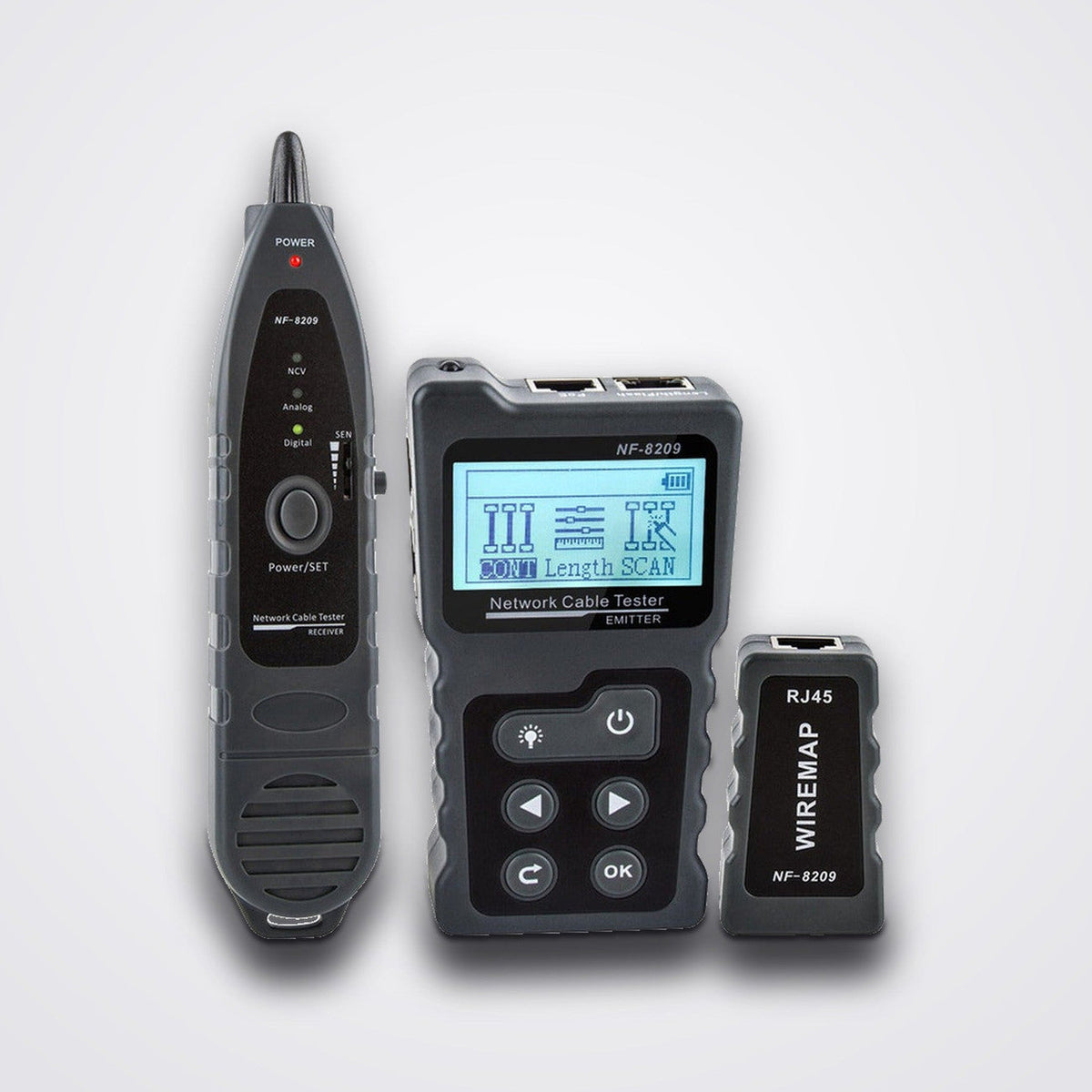
To use a NOYAFA NF-8209, first choose the test you need: trace a candidate cable, check RJ45 wiremap and continuity, or measure the cable length. Follow the NF-8209 instructions for the selected connection and any required disconnection from active equipment, then record each result separately. A displayed cable length does not establish Ethernet reach or performance.
This guide covers the NF-8209 kit listed in this store. Confirm that model before using connection instructions or interpreting a setting from another tester.

NOYAFA NF-8209 supplier product image. Screen values and accessory layouts are illustrative; confirm the selected version.
Identify the run before interpreting its length
Label the near end, far end and route as far as practical. Follow the exact NF-8209 instructions for the selected test and for whether connections must be isolated from active equipment. Do not assume that every socket accepts every powered-cable arrangement merely because another mode detects PoE.
If the purpose is to locate a run in a bundle, tracing helps establish a candidate. Wiremap and end identification then answer other questions. Keep the selected mode and the connected remote with the result so that a tone indication is not recorded as a completed wiring test.

Supplier cable-tracing illustration; verify the cable identity independently.
A length result needs conditions
Check how the supplied version measures cable length, what cable settings it requires and how faults or connected equipment affect the result. The brief listing does not establish every algorithm or correction facility. Do not assume a distance-to-fault function or cable-velocity adjustment without checking the exact version.
Record the cable type, configuration, connection state and any relevant setting beside the displayed length. If two measurements disagree, compare those conditions before deciding the cable has changed. An unusually large value may be a reason to investigate the test arrangement.

Supplier illustration of the distinction between length and Ethernet reach. Any range figure shown in the illustration is not a verified specification for the supplied version.

Supplier illumination demonstration; no measurement result is verified.
Keep wiremap separate from link performance
Home-networking discussions include the familiar complaint “only getting 100Mbps” despite a cable tester result. A basic wiring result does not establish every transmission-performance parameter, connector condition or equipment negotiation setting.
If you need a Cat6a cable tester for formal category certification, check the required standard and test capability explicitly. Tracing, wiremap, PoE detection and a length display do not independently constitute certification. Select the appropriate qualification or certification method when the job requires it.
After the intended cable checks, investigate the actual network with suitable active-link methods and compatible equipment. Keep the results in separate columns rather than writing “passed” once for the whole installation.
The NF-8209 is useful when its functions are applied to defined questions. A clear record can say which run was found, what its wiring test showed and what length was indicated, while leaving Ethernet reach and performance to the evidence that actually supports them.
For the current specification and supplied version, see the NOYAFA NF-8209 product page.
For the related product overview, see the NOYAFA NF-8209 Learn More page.