
Before relying on a BENETECH GM1360A USB data-logging session, prove that the complete route from measurement to saved file works. A live temperature display is only one part of the task. The PC connection, software, timestamps, power arrangement and exported data all need checking.
The GM1360A combines temperature and humidity readings with dew point, MAX/MIN, HOLD and mini-USB connection to PC software. The listing gives memory of up to 16,000 sets and sampling once per second. Those specifications are useful starting points, but they do not guarantee the duration or behaviour of every recording configuration.
Separate the measuring range from the operating environment
The listed measurement ranges are −30–80°C and 0–100% RH. The stated operating environment is narrower: 0–50°C and no more than 80% RH, non-condensing.
Do not place the complete instrument in an environment outside its permitted operating conditions merely because the measurement range is wider. The GM1360A has an integral vented probe; it is not an invitation to immerse the meter or expose its body to condensation.
| Specification | What to consider when planning |
|---|---|
| Sensor measurement range | Which conditions can be represented within the specified method |
| Operating environment | Where the instrument can be used as a whole |
| Accuracy conditions | Where a stated accuracy applies |
| Record capacity | How many sets the specified recording arrangement can retain |
The listing's humidity accuracy is conditional: ±3% RH at 25°C over 20–80% RH. Do not extend that figure automatically across every point in the wider display range.
Prove the GM1360A USB data-logging workflow
Confirm that the supplied or specified software supports the computer you will use. The page identifies a PC program but does not establish compatibility with every operating system. Install and configure it using the correct documentation.
Connect using the required mini-USB data cable and check that the software recognises the meter. Verify the units and the way timestamps are assigned. If the application depends on the PC clock, confirm that clock and time zone before collecting a long record.

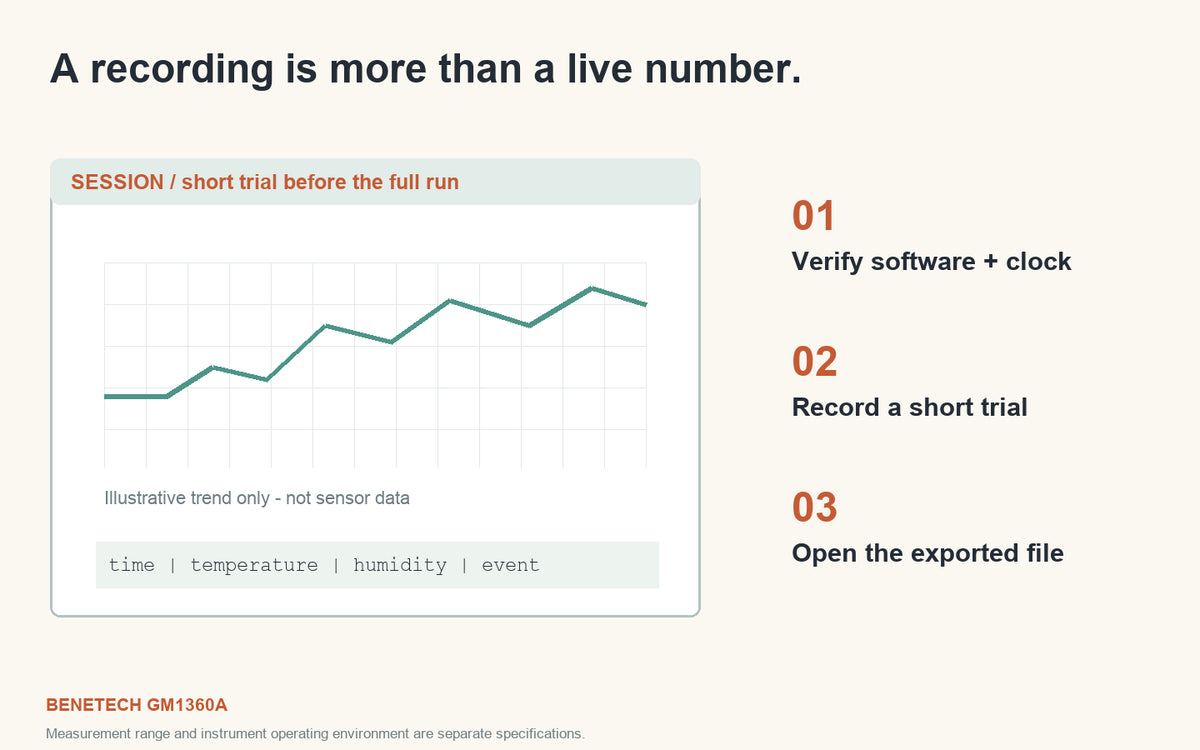
Prove that the complete recording and export workflow works before committing to a long session.
Collect a short, clearly labelled trial, stop it normally, and export or download the record using the supported workflow. Open the resulting file independently of the live display. Check that it contains the expected temperature and humidity fields, times and number of entries.
This trial is also the place to establish what happens if the PC sleeps, the USB connection drops or the application closes. Do not assume every mode supports standalone recording or that an interrupted session resumes automatically.
Verify timing and power instead of inferring them
The listed once-per-second sampling specification does not, by itself, establish a user-selectable saved-record interval. Confirm how the chosen software mode samples, displays and stores the data.
Similarly, up to 16,000 sets should not be converted into a promised session length without confirming what constitutes a set and which storage is in use. The usable duration also depends on power and the selected workflow.
The instrument lists 9 V battery power and a DC 9 V input. Follow the manual for permitted USB and external-power arrangements. Include the PC's power and sleep settings in the trial, not just the handheld meter's battery state.
Make placement and events part of the record
Place the meter where the intended air condition is represented, keeping the vents clear. Avoid a convenient position immediately beside a heater or doorway unless that local influence is the subject of the study.
Save a placement photograph or sketch, room or asset ID, start and finish times, and relevant events such as a door opening or a process starting. A change in the graph becomes much easier to interpret when it can be linked to a known event.
Preserve raw data before adding annotations or summaries. Check for missing times and unexpected resets rather than smoothing them away. If the dew-point readout is used, retain its status as a reference value and do not treat it as a separate condensation diagnosis.
Hand over a record someone can reuse
Deliver the raw file, units, software/session information, placement record and event notes together. State any interruption or uncertainty. A screenshot of the final display is not a substitute for the time series.
For broader logging requirements, see our temperature data-logger guide. View the BENETECH GM1360A USB temperature and humidity meter to check the exact instrument and PC workflow before planning your session.
Explore the BENETECH GM1360A
See its functions, suitable tasks and key limits before choosing.