
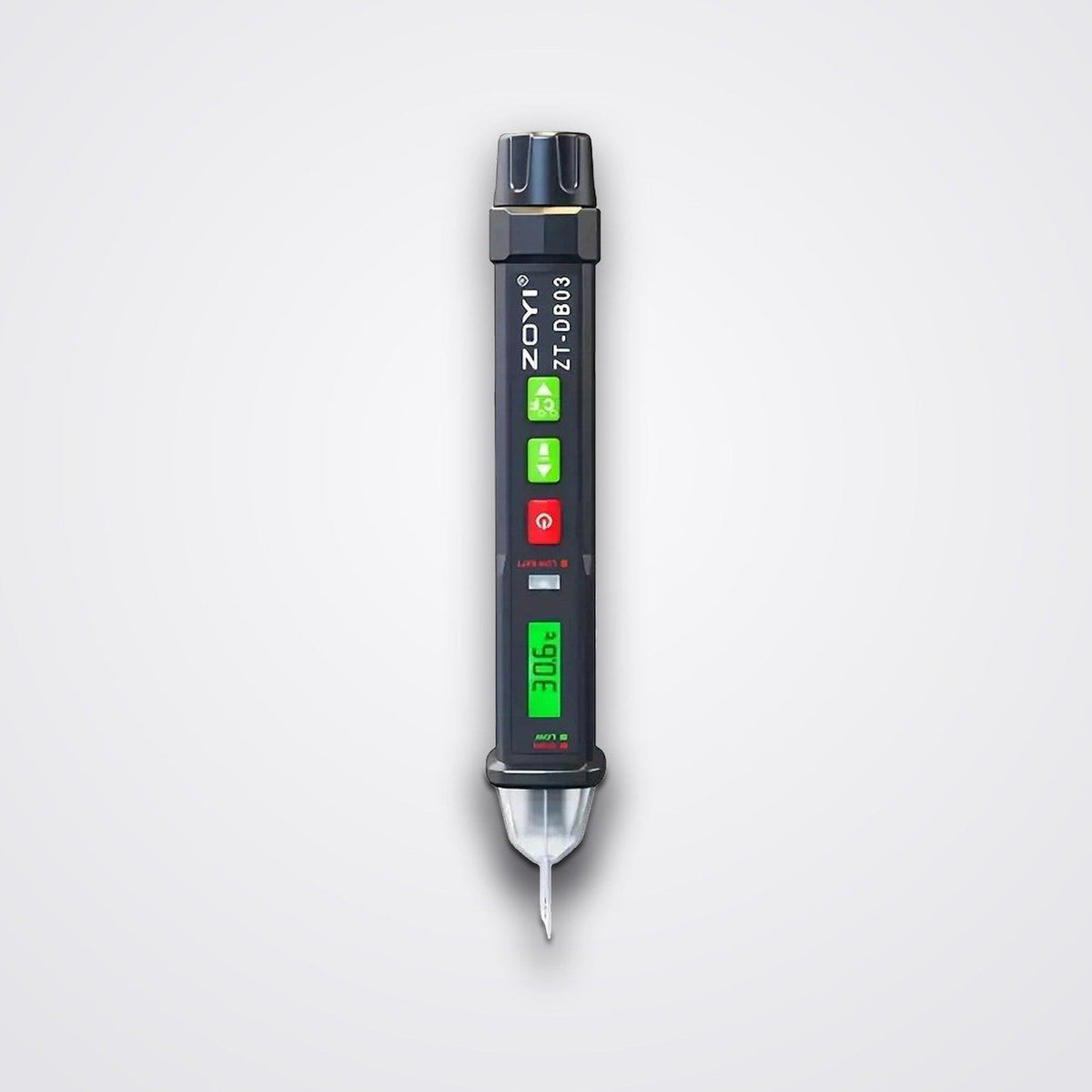
The ZT-DB03 is a non contact voltage tester for preliminary AC-voltage indication. Its listed detection range is AC 48–1000 V, and it is supplied without batteries. It does not detect DC.
Use its indication to guide an appropriate next check. A pen that remains silent has not, by itself, established that a circuit is safely isolated.
The three scene illustrations below were AI-generated using product reference images. They explain the workflow and are not records of our own inspections or measured results.

Decide what question the pen can answer
A detector pen responds to an electric field under particular conditions. Its indication can depend on conductor position, screening, insulation, orientation and the user's relationship to the surroundings. The printed voltage span is not a promise that every energised conductor within that span will be identified in every installation.
Before use, inspect the unit and follow the exact model instructions for batteries and function checks. A flat battery and an absent field can both lead to an unhelpful lack of indication. Keep the function check distinct from an actual circuit test.
Do not insert the pen into equipment or expose conductors beyond the manufacturer's permitted use. A non-contact format does not make opening electrical equipment safe or remove the need to assess the job.

Record an indication without overstating it
Write down the location and the fact that the pen indicated, together with any relevant limitations. Avoid reporting “230 V measured” when the tool provided an indication rather than a numerical voltage measurement.
If an indication is absent or inconsistent, do not use that uncertainty as permission to touch or work on the circuit. Use the appropriate equipment and a competent electrical procedure for the actual task. Safe isolation requires the prescribed sequence and suitable test equipment, including proving the tester as required; this pen is not a substitute.
Keep AC indication separate from other tests
The ZT-DB03 listing is specific to AC. It is not an appropriate way to establish whether a DC battery, solar circuit or charged capacitor has become safe. Nor does an AC indication establish polarity, protective-conductor continuity or the effectiveness of a protective device.
For a tool bag, the practical advantages are the compact pen format and an approximate listed weight of 70 g. Plan battery supply and storage so it is ready for its intended preliminary check, while keeping the equipment needed for subsequent electrical tests available.

Choosing a non contact voltage tester is partly about understanding the limits of the answer. The useful outcome is a clearly described preliminary indication followed by the right verification. Calling a quiet pen “dead” or “safe” turns a limited observation into a conclusion it cannot support.
For the current specification and supplied version, see the ZT-DB03 product page.
For the related product overview, see the ZT-DB03 Voltage Pen Learn More page.